

WordPress Database Backup vs File Backup: Both Matter
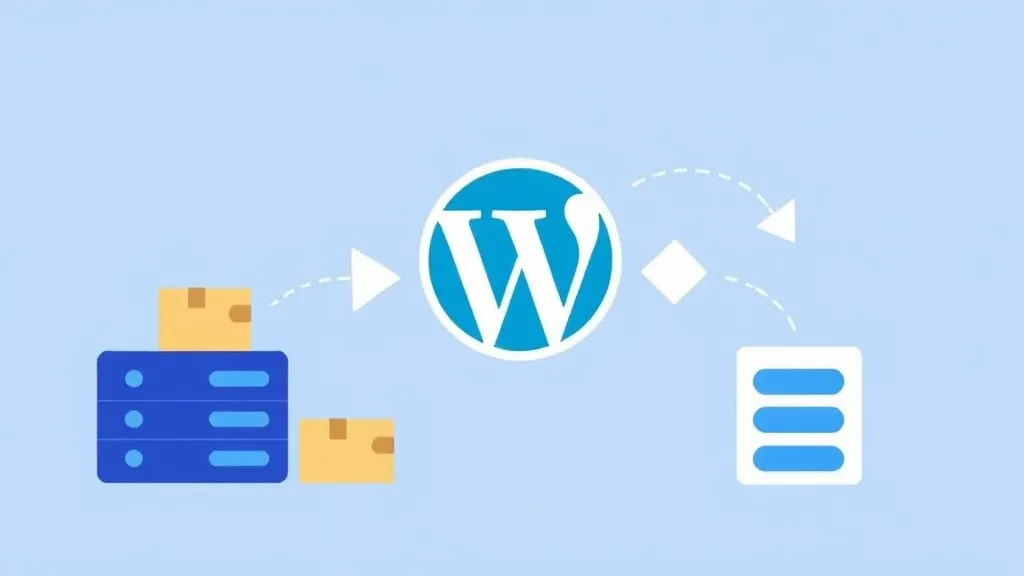

WordPress backups have two components: the database (content, settings, users) and the files (theme, plugins, uploads). Some backup approaches save only one; some save both. Complete recovery requires both.
Understanding what each contains and what's at risk if either is missing informs backup strategy.
What the database contains
Posts, pages, custom post type content.
Users and their metadata.
Comments.
Site settings.
Plugin settings (mostly).
Taxonomy data (categories, tags).
The database is the content. Without it, the site has no content.
What the files contain
WordPress core files.
Theme files.
Plugin files.
Uploaded media (images, videos, documents).
Configuration (wp-config.php).
Custom code (functions.php, custom plugins).
The files are the application code and the media. Without them, there's no software to display the content.
The recovery scenarios
Database only backup: you can restore content but need to reinstall WordPress, plugins, theme. Custom code is lost. Uploaded media is lost.
Files only backup: you can restore the application but have no content. Users, posts, comments all gone.
Complete backup: you can restore the site. Both content and code are recovered.
The recovery paths
Loss of database: serious. The content is the value. Recovery from files-only backup means rebuilding all content.
Loss of files: less serious for content but still significant. Reinstalling WordPress, plugins, theme is moderate work. Lost custom code is harder to recover.
Loss of both: catastrophic without backup. Complete site rebuild required.
The plugin behaviors
UpdraftPlus: backs up both by default. The configuration lets you choose what to back up.
BackWPup: similar; both by default.
Solid Backups: complete backups by default.
Some host-native backups: vary. Some include only files; some include only database; some include both. Verify what's included.
The verification
Periodically verify that backups include what's expected. Open a recent backup; check it has both the database and the files.
The verification catches misconfigurations. A backup labeled "complete" that's actually files-only is a future disaster.
The honest framing
Complete backups are non-negotiable for sites that have value. Both components must be captured.
The verification that backups are complete is small ongoing effort. The protection against partial backups is critical when recovery is needed.
Site
Tools
We do not sell your email. We do not spam.
© 2026 RevealTheme. All rights reserved.